By Steve Axton, PE — Licensed Civil Engineer · Updated November 2026
Start from a nutrient recommendation for a measured area. Fertilizer grade gives the fractions of labeled nutrients, while the bag weight describes the full product including its other ingredients.
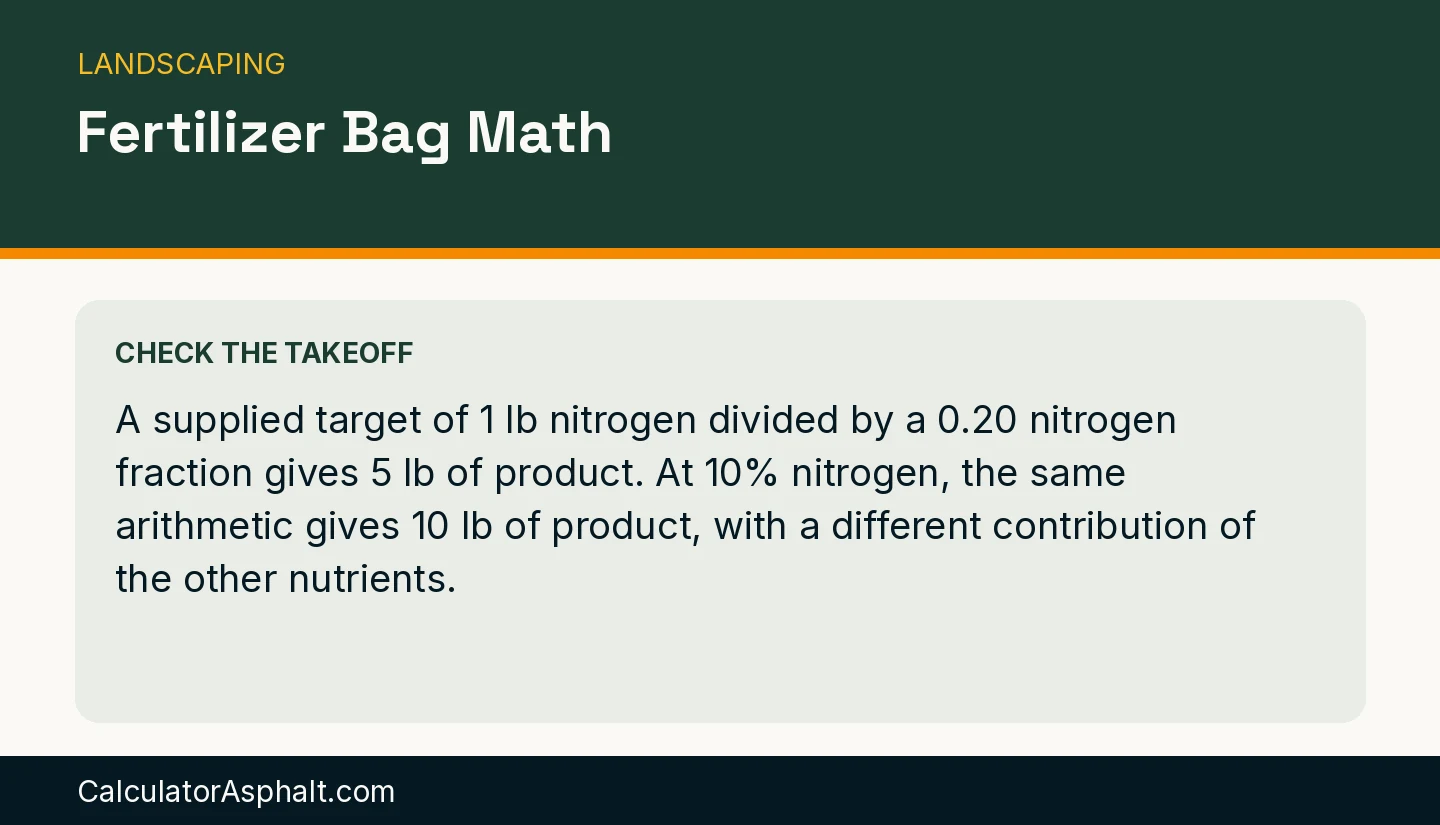
Illustrative result. A supplied target of 1 lb nitrogen divided by a 0.20 nitrogen fraction gives 5 lb of product. At 10% nitrogen, the same arithmetic gives 10 lb of product, with a different contribution of the other nutrients.
Map planting and surface zones
Plot the areas that receive each treatment. A narrow border, a curved bed and a large open area are best measured independently when their depths or instructions differ. Write the intended ground cover or product next to each zone, and leave areas that need no work off the purchase quantity. Keep measurements of permanent paths with the sketch so the exclusion can be checked.
Keep the inputs beside the Fertilizer Bag Math calculator so its quantities can be checked against the original measurement. For an existing example of a clearly marked work scope, see raised garden bed layouts and soil volume. Use its boundary or measurement practice only where the conditions match.
Verify the product basis
A depth, weight and coverage statement cannot be interchanged without the product information behind it. Record the actual material, label units and conditions of use. Compare similar solutions on a common basis, then return each estimate to the actual package or bulk increment before buying. A volume used in one planting scenario should only carry over if its intended application also carries over.
Check whether the target was stated per 1,000 sq ft or as a total for the entire lawn. A target for two zones calls for separate area calculations before the products are combined.
Identify whether the value describes a count, a rate, a measured dimension or a ratio. Preserve the units and work out which entries can be added. If the basis changes, apply the alternate conversion anew and compare the results on a common basis. For items sold in bundles or lengths, count the amount of the order the physical pieces can actually cover. Record any package or quote total independently of your calculation.
Put a sketch or item schedule next to the arithmetic. Make a mark at each reported location or use one line for each labeled product. Check which inputs are known from the exact items and which represent a proposed alternative. If the plan calls for separate orders, retain the individual pieces or products on their own lines until you have verified availability and compatibility.
Convert a nutrient target
When a recommended nitrogen amount is paired with limits for other nutrients, check the latter independently. Two fertilizers that supply the same calculated nitrogen can provide different quantities of phosphorus or potassium.
| Worksheet entry | What to record | When to revise |
|---|---|---|
| Measurement or scope | The measured limits and units | A drawing or field dimension changes |
| Product or rate | Exact model, coverage, quote or authority | The product, basis or conditions change |
| Calculated subtotal | Original result and any conversion | An input units check or independent reading changes |
| Order or reviewed amount | Selling increment or reviewed scope | Availability, review findings or inclusions change |
Worked example
- Identify the scope. Start from a nutrient recommendation for a measured area. Fertilizer grade gives the fractions of labeled nutrients, while the bag weight describes the full product including its other ingredients.
- Set the example inputs and calculate. A supplied target of 1 lb nitrogen divided by a 0.20 nitrogen fraction gives 5 lb of product. At 10% nitrogen, the same arithmetic gives 10 lb of product, with a different contribution of the other nutrients.
- Check the result against the plan or quote. Check whether the target was stated per 1,000 sq ft or as a total for the entire lawn. A target for two zones calls for separate area calculations before the products are combined.
- Write down the basis for the next person. Write the nutrient, recommended rate and area on the worksheet. Compare the complete grade on each label as well as the weight of product required.
Keep the order connected to placement
Use zone names in the order schedule and in the field notes. Mark which area receives the first portion of a delivery and which portion will remain in reserve. If the first zone takes a different quantity from the estimate, check the depth, coverage or actual boundary before spreading the remaining delivery. This protects a second zone from using the first zone’s allocation.
Use the asphalt yield check and the how much compost do i need to keep connected quantities in view. A project can need each of those estimates without allowing their outputs to be summed. Identify the unit and purpose on every line.
For a separate quantity on the same project, see how much grass seed do i need. A built example in the mulch top-up guide shows why defining the finished area or work scope is more useful than estimating from a single outside dimension.
Set the conversion or layout basis before comparing alternatives
Keep a column for the number of units physically required and a separate column for what arrives. Write package size and the remainder beside the order total. Before comparing a second product, make sure the package can satisfy the same input and use the second product's stated coverage or dimensions.
Preserve the assumptions for the second estimate
File the marked-up drawing and product data with the estimate. If the alternative uses a different measurement or basis, remove the old value before entering the new one. Write down why the revision was made and whether another line depends on it. When financial assumptions are involved, retain the original dated quote and distinguish its actual terms from the numbers used in an example.
Follow local requirements and the label. Use a soil test and appropriate local guidance for nutrient recommendations, especially near water.
Where this work connects to existing or planned asphalt, record the paving scope separately using the asphalt paving guide. Keep the location and work boundary in the estimate so any interface changes can be reviewed before purchase or construction.
Run your project numbers. Run the project inputs in the calculator for fertilizer bag math. To check a connected line item, use asphalt yield check or how much compost do i need. Transfer the quantities and units back to the same plan or quote before comparing totals.
Frequently asked questions
What should I measure first?
Start from a nutrient recommendation for a measured area. Fertilizer grade gives the fractions of labeled nutrients, while the bag weight describes the full product including its other ingredients.
Can I use this figure for a different product or layout?
Only if the changed input is tested on the same dimensional and product basis. When the coverage, rate, rating or physical layout differs, recompute the affected lines and check the actual order item.
Which assumption deserves a second check?
Check whether the target was stated per 1,000 sq ft or as a total for the entire lawn. A target for two zones calls for separate area calculations before the products are combined.
What should I give the supplier or reviewer?
Write the nutrient, recommended rate and area on the worksheet. Compare the complete grade on each label as well as the weight of product required.
Calculation method reviewed November 2026. Use the CalculatorAsphalt worksheet and its stated inputs to reproduce the example. Reference for scope or method: University of Minnesota Extension soil testing guidance.